
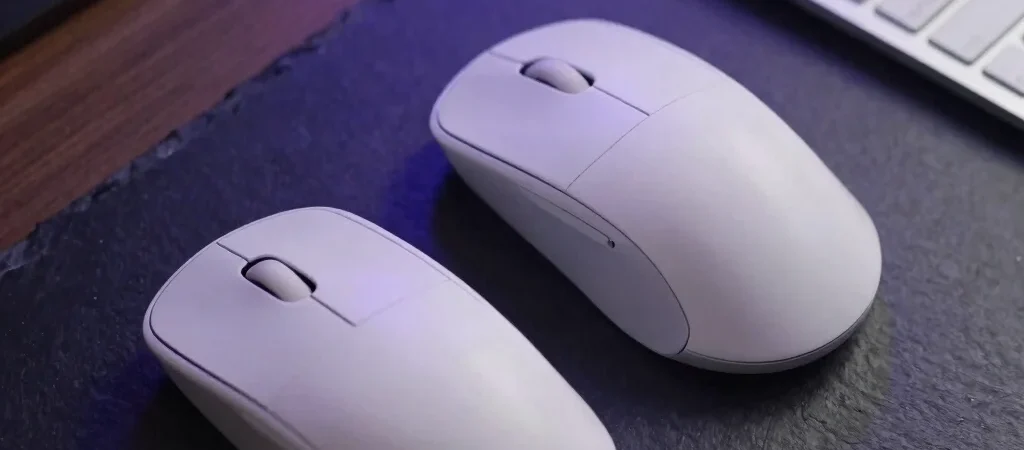
Setting up an efficient home workstation often comes down to the peripherals you touch every single hour. When selecting an ergonomic wireless mouse, shiny marketing claims about DPI count matter far less than weight distribution, thumb rest contouring, and multi-device Bluetooth latency.
Key Specs That Impact Daily Comfort
Optical sensors operating between 4,000 and 8,000 DPI provide plenty of tracking sensitivity on glass or wood surfaces without forcing your wrist into wide sweeps. Battery life is another major differentiator, with standard AA-powered options lasting up to two years while USB-C rechargeable models trade ultimate longevity for quick top-ups. Pay close attention to grip angle; vertical designs rotate the forearm into a neutral handshake position, which dramatically cuts tendon strain over eight-hour workdays.
Weighing the Trade-Offs Before Purchase
While premium productivity mice offer custom side scroll wheels and tactile macro buttons, lighter minimalist alternatives often excel in portability for mobile setups. Soft-touch rubberized coatings feel luxurious initially but require regular cleaning to prevent surface degradation over time. Evaluating software customization is equally critical, as lightweight utility drivers allow seamless switching between laptop and desktop setups.
Final Verdict for Workstation Upgrades
If wrist comfort is your primary concern, prioritizing a 57-degree vertical pitch over raw sensor speeds yields the most noticeable physical relief. Readers shopping via retail channels like Amazon should verify return windows to test physical fit against their specific hand size. Note that Webrified may earn an affiliate commission from qualifying purchases made through our referral links.